
Create Customer Notes
Customer notes help you keep track of important information about your contacts - from conversation notes to preferences and special agreements.
Create New Note
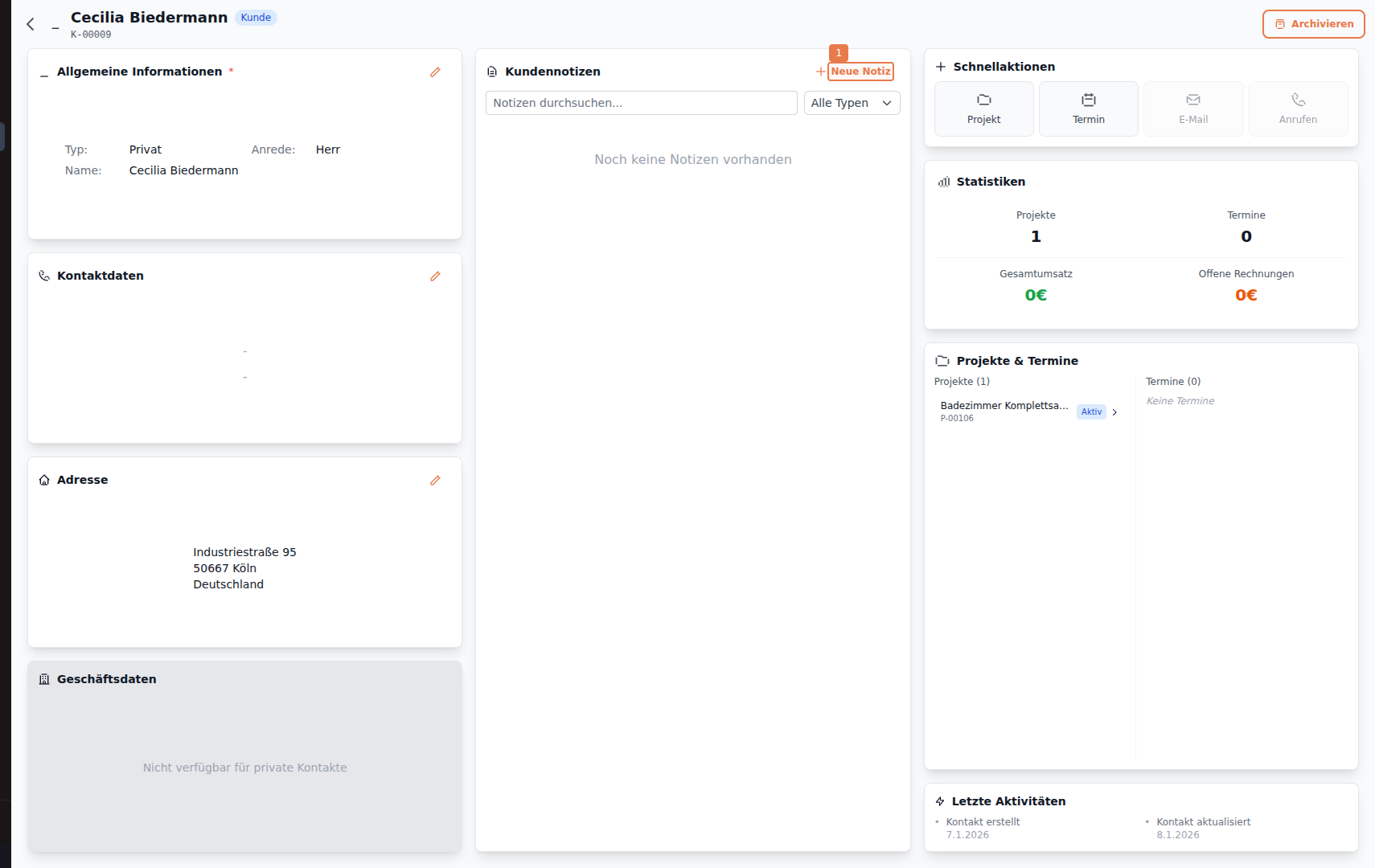
Section titled “Create New Note”Open a contact and click on + New Note in the Customer Notes section.
Fill and Save Note
Section titled “Fill and Save Note”Enter your note and click Save (Ctrl+Enter).
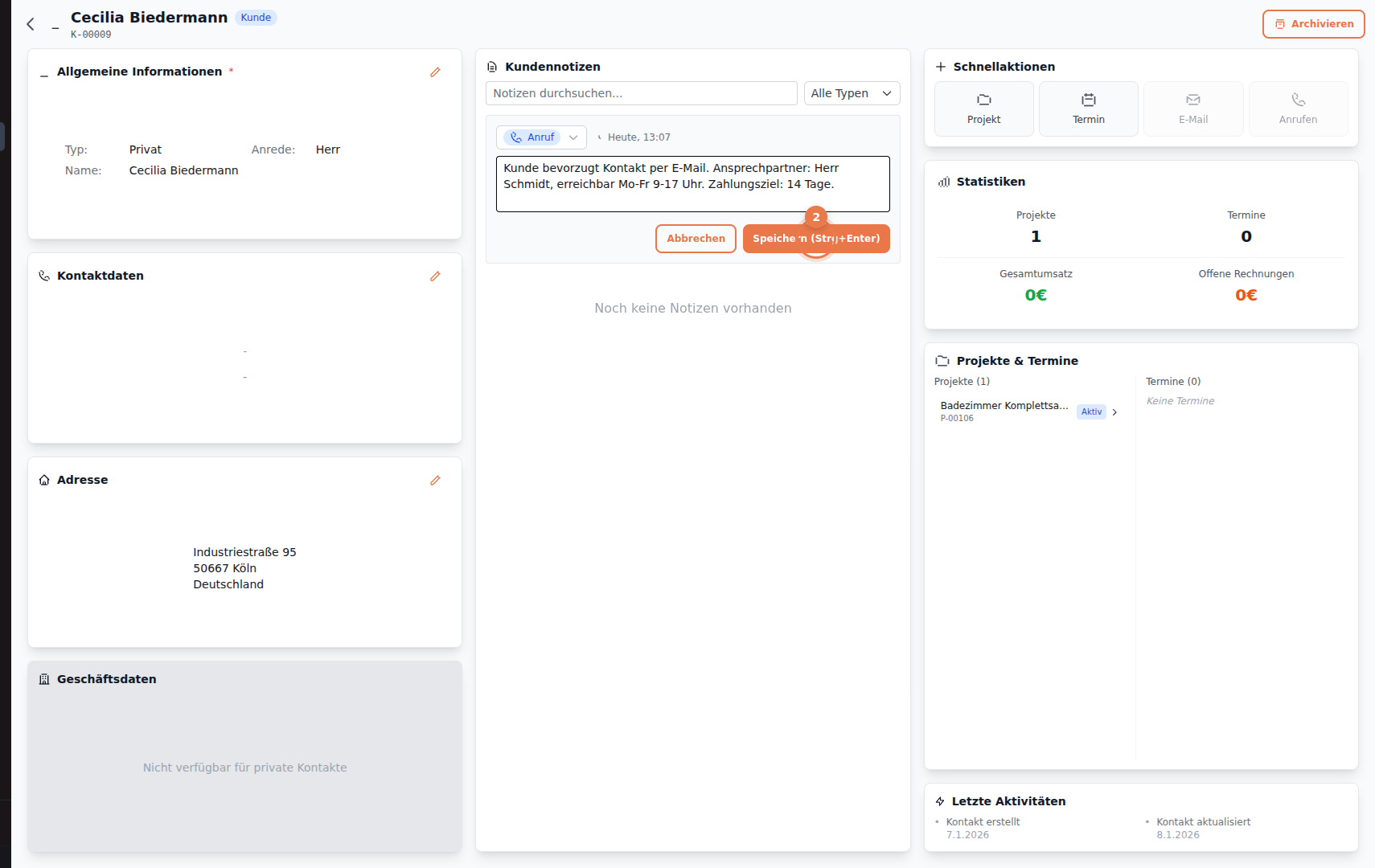
The form offers:
- Type selection (Call, Email, Meeting, General)
- Timestamp (automatically set)
- Text field for the note content
Saved Note
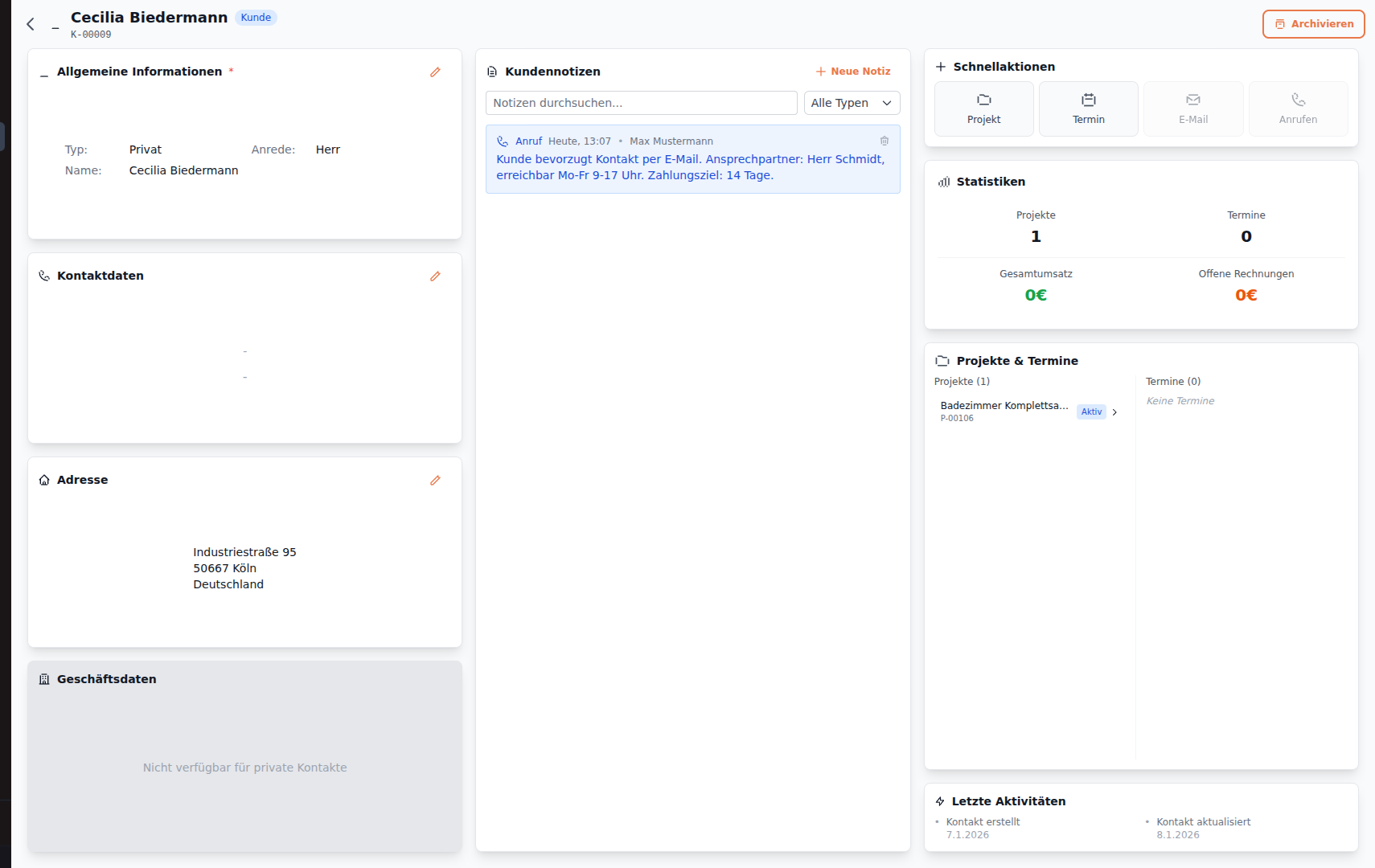
Section titled “Saved Note”The note now appears in the list and is visible to all team members.
Next Steps
Section titled “Next Steps”- Create Contact - Create a new contact
- Create Project - Create a project for the contact