
Create Contact
In this guide, we’ll show you how to create a new contact and use the intelligent address suggestion feature.
Access Contact List
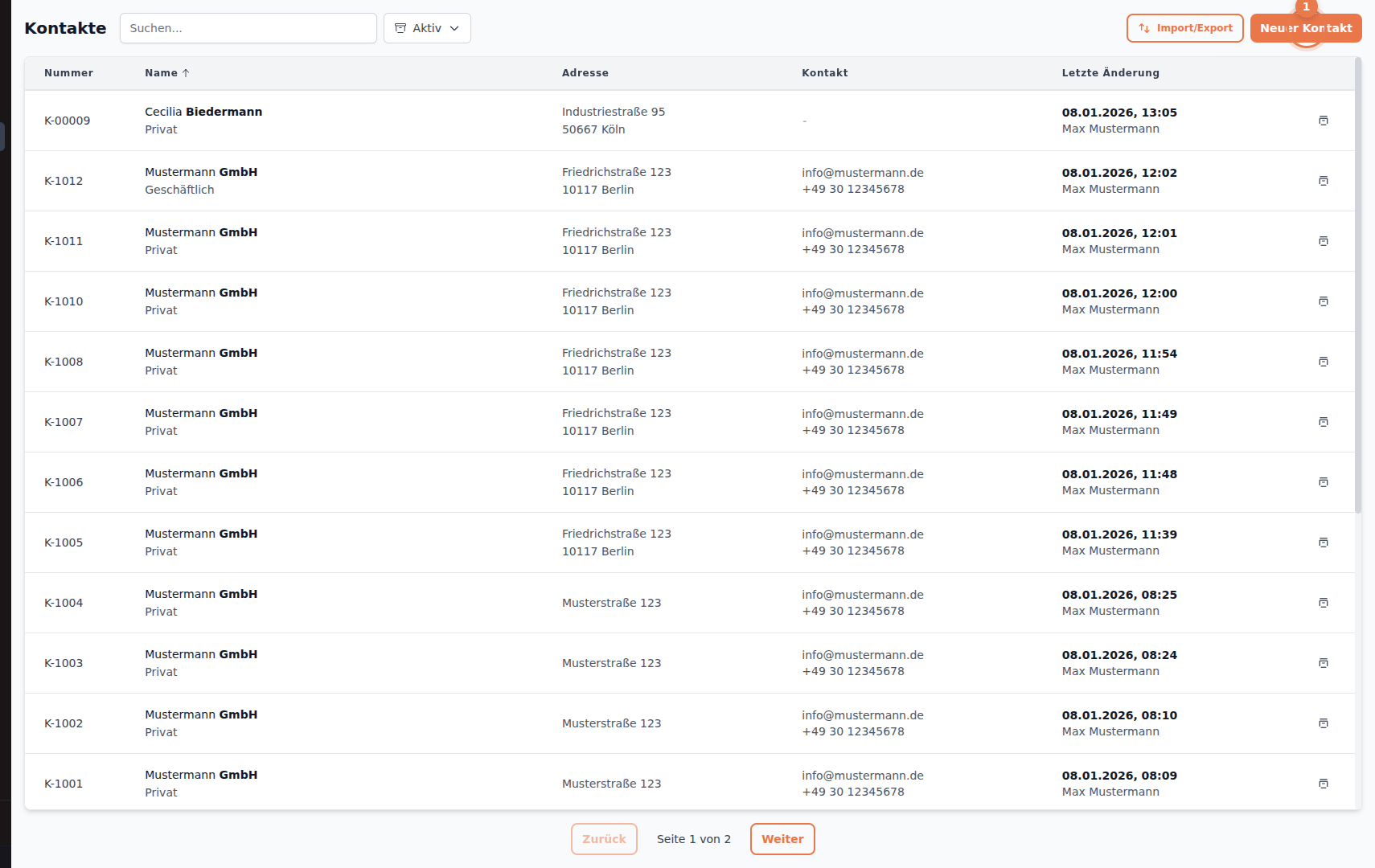
Section titled “Access Contact List”Navigate to Contacts in the side menu and click New Contact.
Fill Out Contact Form
Section titled “Fill Out Contact Form”General Information
Section titled “General Information”After clicking, the contact form opens. Start with the basic information:
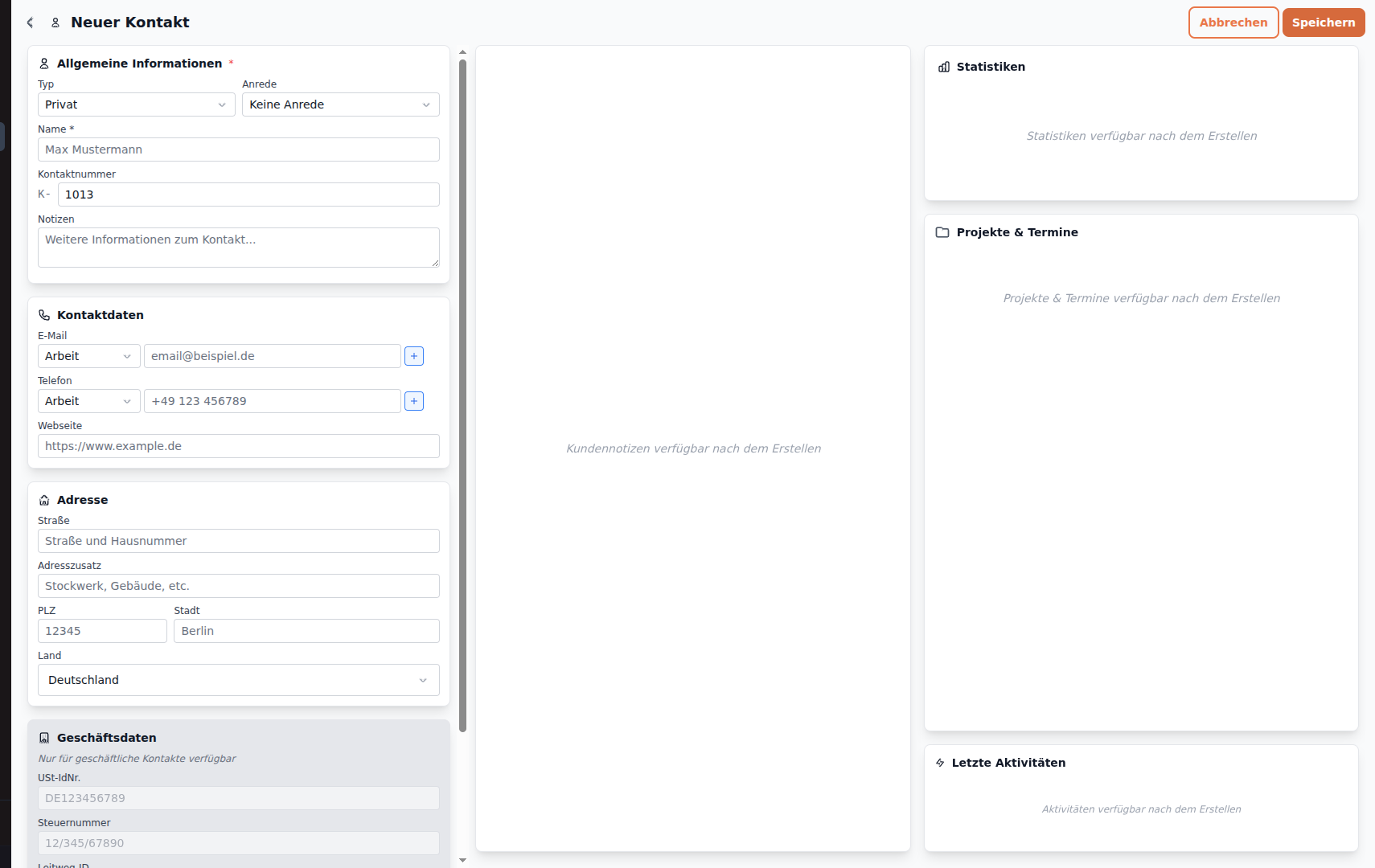
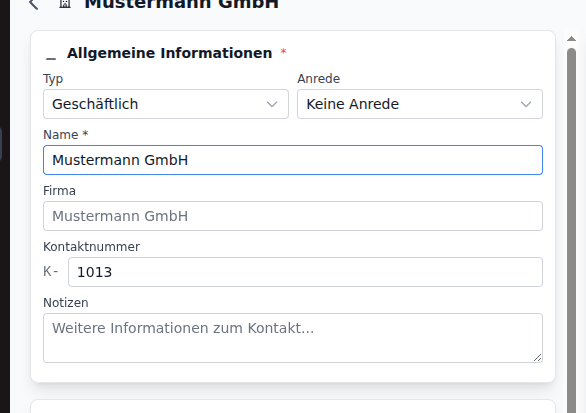
Enter the Name of the contact (company or individual):
Contact Details
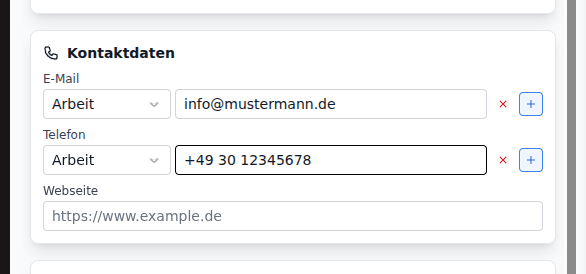
Section titled “Contact Details”Add the Email address:
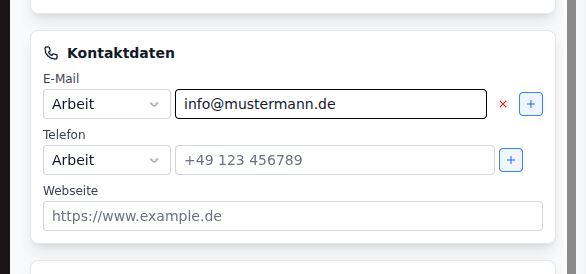
Enter the Phone number:
Address with Smart Search
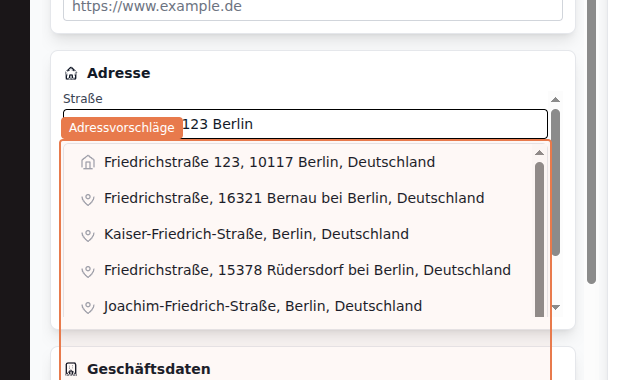
Section titled “Address with Smart Search”HammerUp offers intelligent address search. As soon as you start typing an address, suggestions appear automatically:
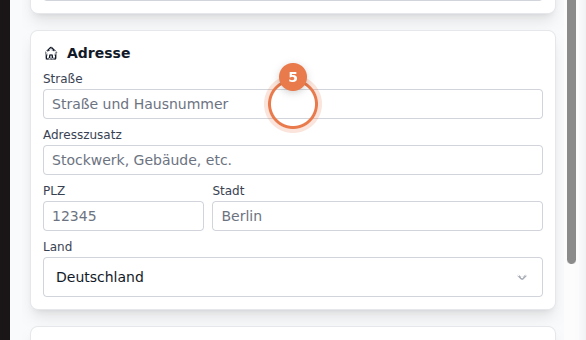
Type the address and choose from the suggestions:
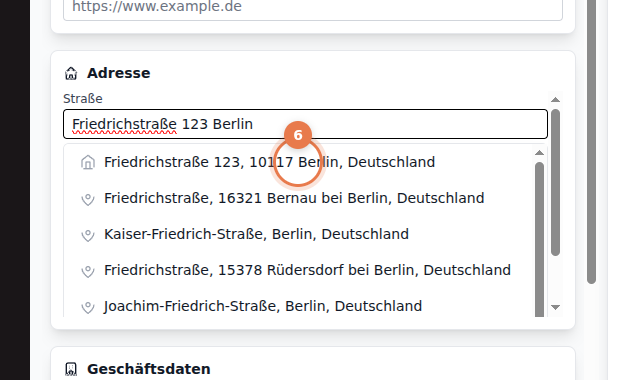
Click on a suggestion to select it:
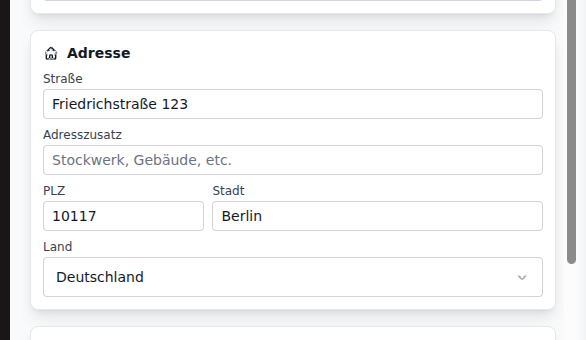
The address fields are automatically filled - street, postal code, city, and country:
Save Contact
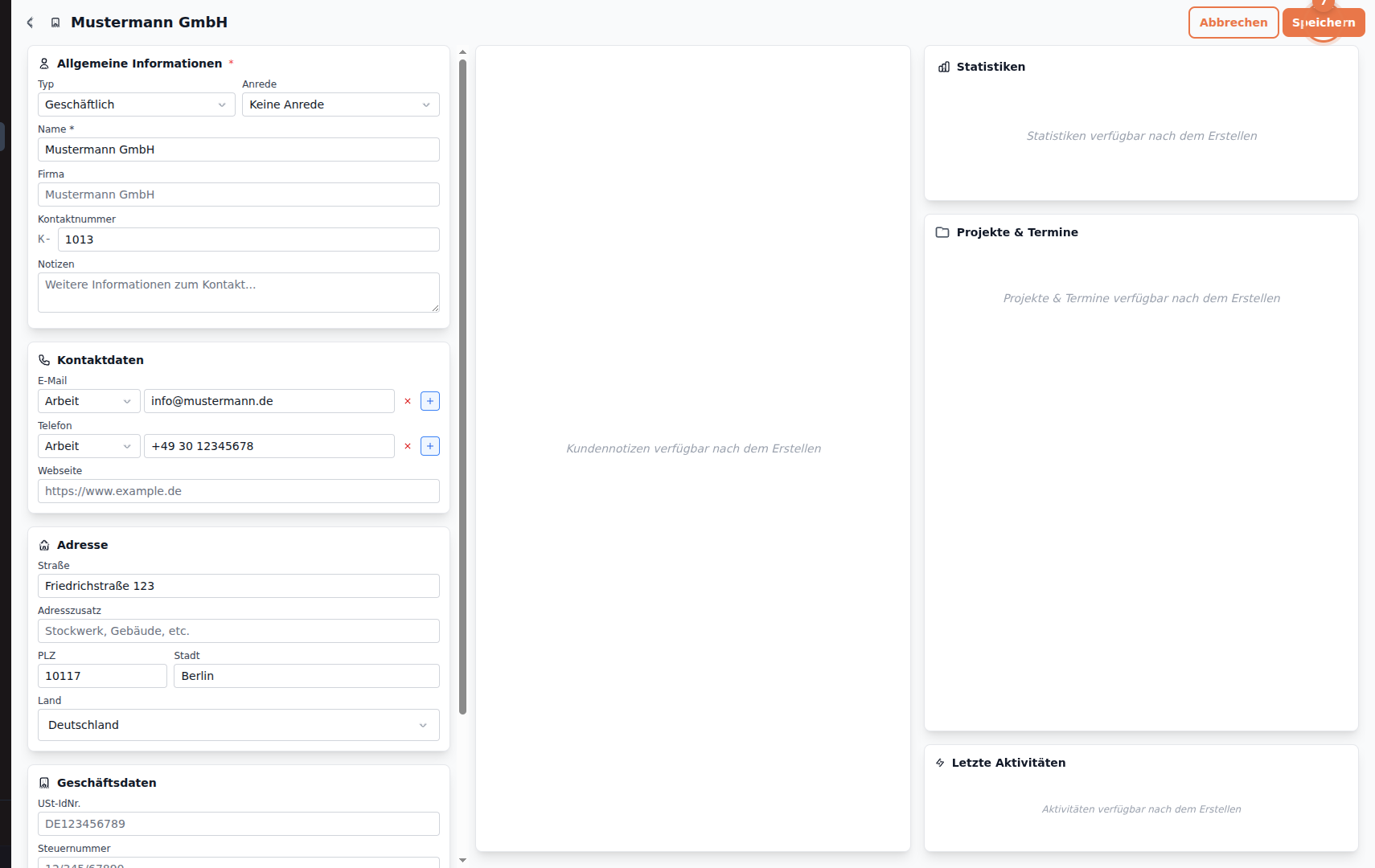
Section titled “Save Contact”After entering all information, click Save:
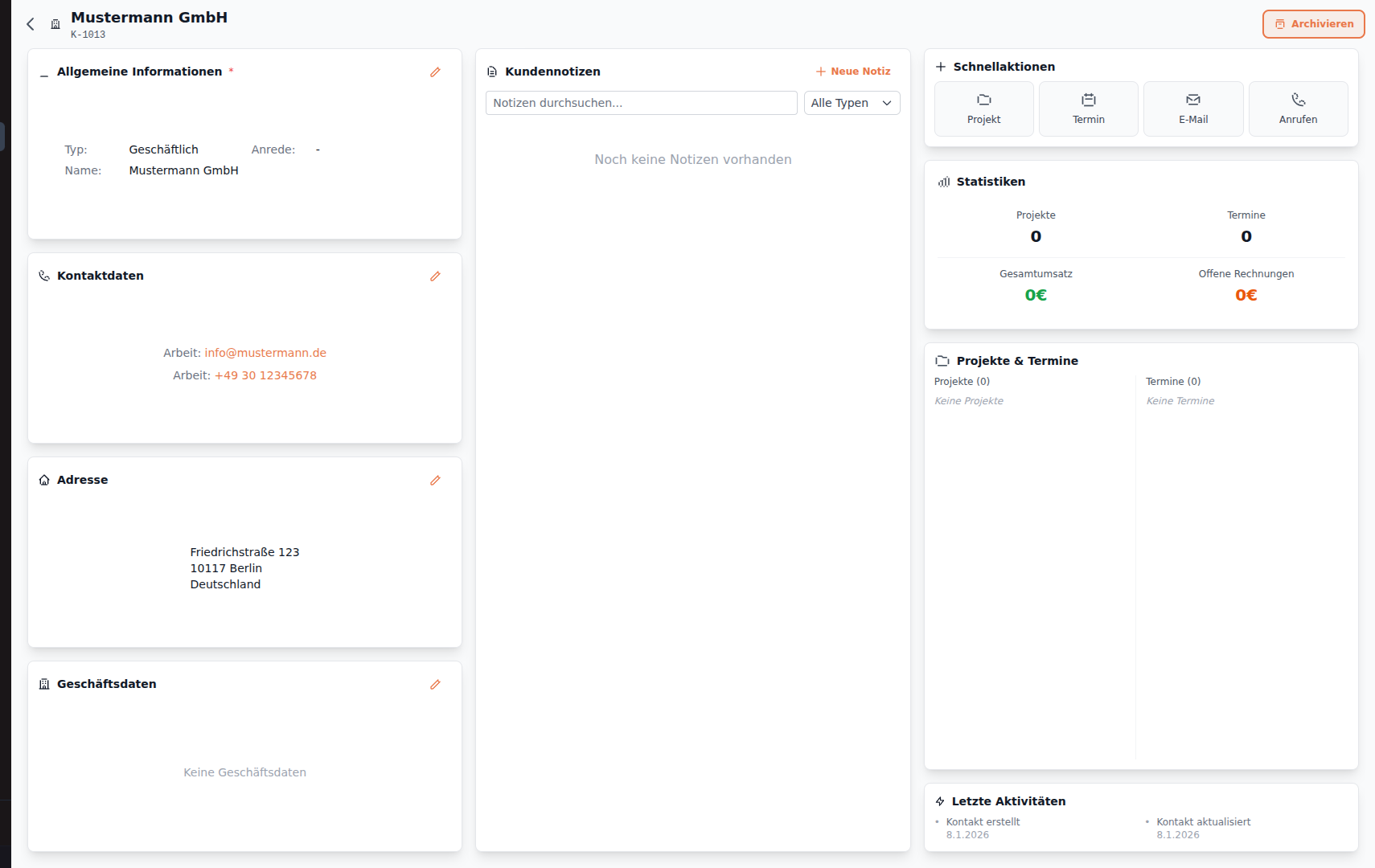
The contact is created and you’ll see the contact details:
Next Steps
Section titled “Next Steps”- Create Project - Link the contact to a project
- Create Quote - Create a quote for the contact